History and Community
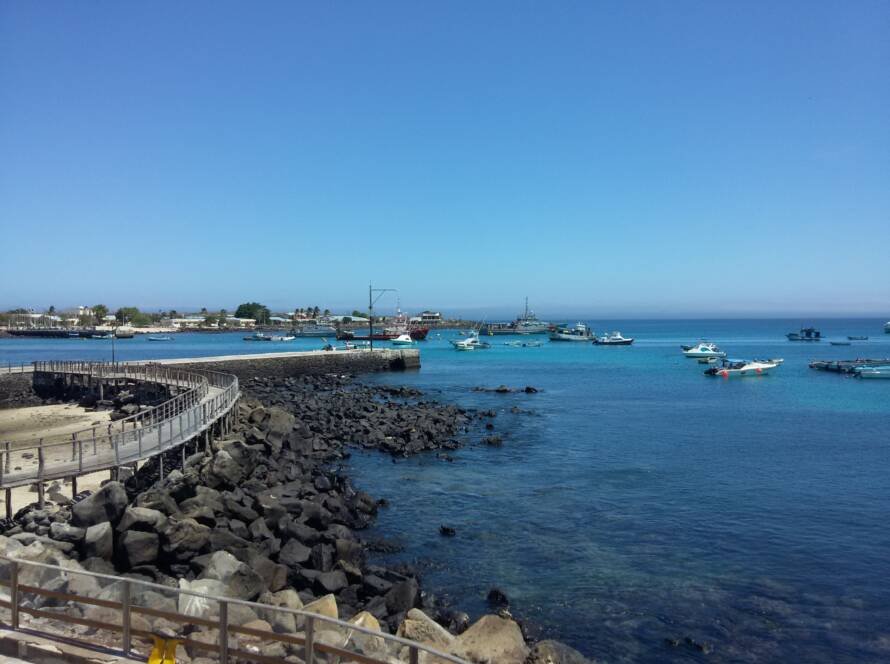
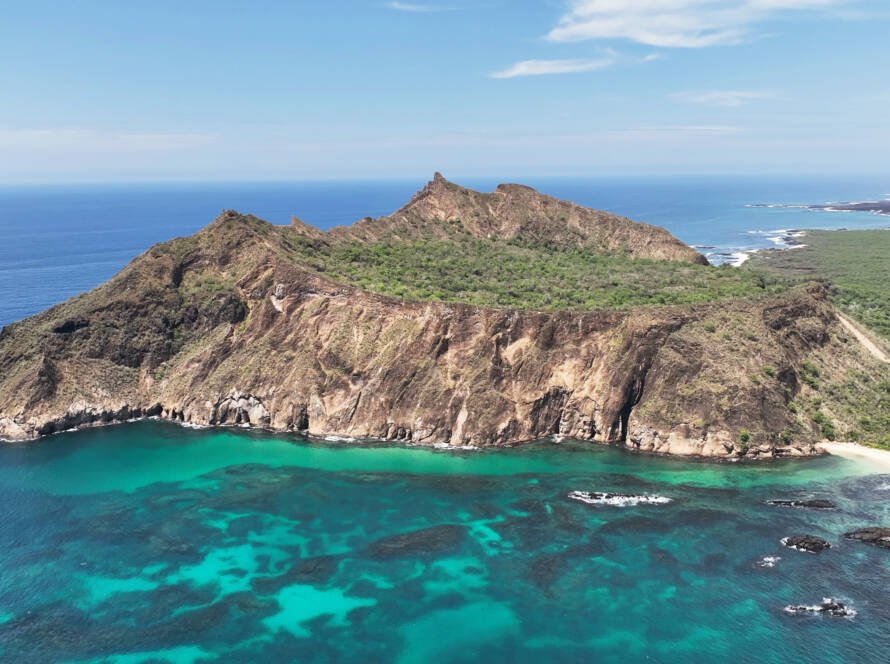
The name of this site is linked to the presence of frigatebirds, known locally as “tijeretas.” It is a cove with a distinctive morphostructural formation, made up of rocks with high resistance to marine erosion — characteristics that make it well suited for snorkeling. It also has a platform built with wood and rock that provides a resting area for visitors. Access is via a trail of approximately 2.5 km from the Interpretation Center, passing through several lookout points before ending at Punta Carola Beach.
PUNTA CAROLA BEACH
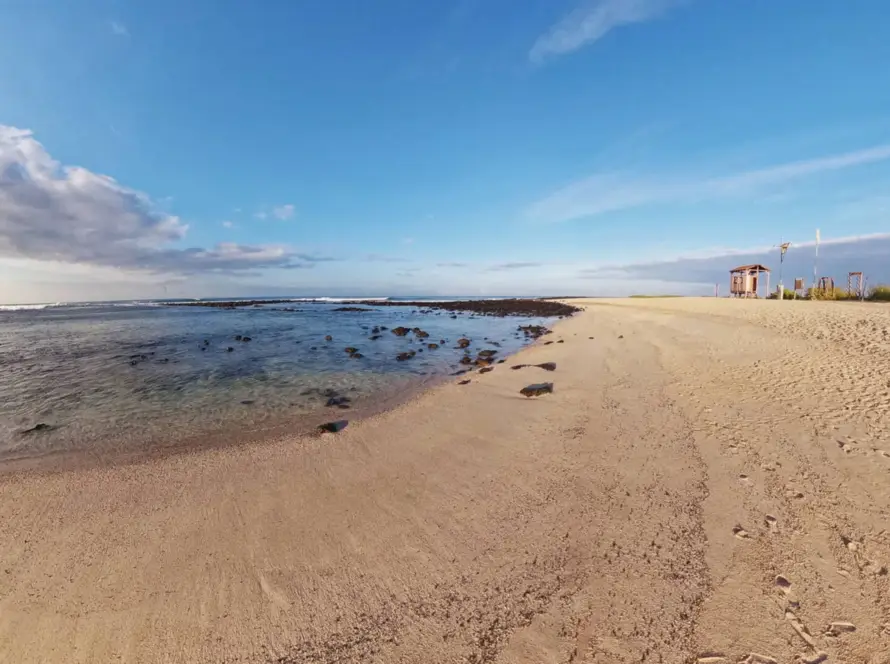
Punta Carola Beach is a beautiful stretch of approximately 300 meters of white sand and turquoise water, known for its sunsets and the presence of numerous sea lion colonies. Located about 1 km from Puerto Baquerizo Moreno on San Cristóbal Island, it is an ideal spot for relaxing, snorkeling, surfing, and observing marine iguanas.
Local Biodiversity
Virtual Tour
You’re about to explore Tijeretas and Punta Carola in a 360° panoramic view. You can rotate the camera in all directions, move between points along the tour, and interact with multimedia content about the native flora and fauna of the Galápagos Islands — without leaving your screen.

HOW TO NAVIGATE
Move
Tap or click on the points that appear on the ground or in the space to move to another area of the tour.
Drag the screen in any direction to rotate the 360° view and explore the full environment.
Access information about the site
Press the icon to read educational content about each space, species, or element that catches your attention.
View fauna and flora images
Tap the image icon to see photos of animals and plants from the Galápagos present in that scene.
Watch fauna and flora videos
Tap the play icon to watch short videos about animals and plants from the Galápagos present in that scene.
Explore infographics
Open the infographics to view detailed images, scientific data, and curiosities about the archipelago’s biodiversity.
Community
Discover the life, culture, and history of the San Cristóbal community connected to the sea.
More tour options
Use the side menu to hide the side icons, share the tour, expand to full screen, or activate Virtual Reality (VR) mode.
TIPS FOR A BETTER EXPERIENCE
Use the pinch gesture or mouse wheel to zoom in or out.
For smooth loading of videos and infographics, a stable internet connection is recommended.
On mobile, rotate your device to landscape orientation for a wider panoramic view.
Sound is off by default. You can enable it from the tour settings if your device allows it.
ACCESSIBILITY
Compatible with computers, tablets, and mobile phones. No app installation required.
Can be navigated with keyboard or mouse. Screen readers can access the descriptive texts within the tour.
VR mode available for virtual reality headsets compatible with Google Cardboard and similar devices.
If you have visual difficulties, increase your browser zoom before starting to improve text readability.